Shopper quick start
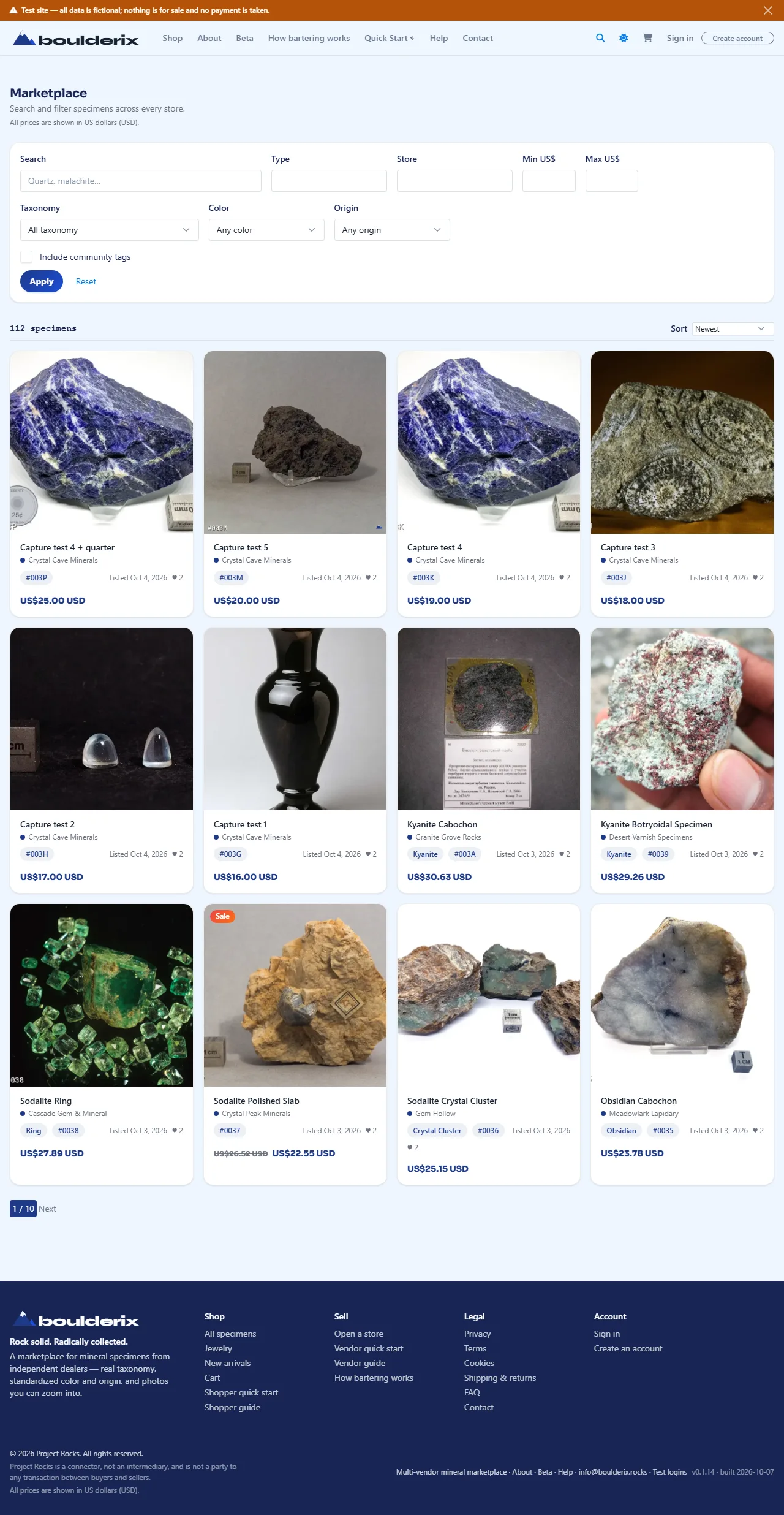
1. Find a specimen
Open the Shop and search by text, or filter by classification, colour, origin, and price. Only available specimens from active members appear. Check each listing's Showcase, Sale, or Exchange mode.
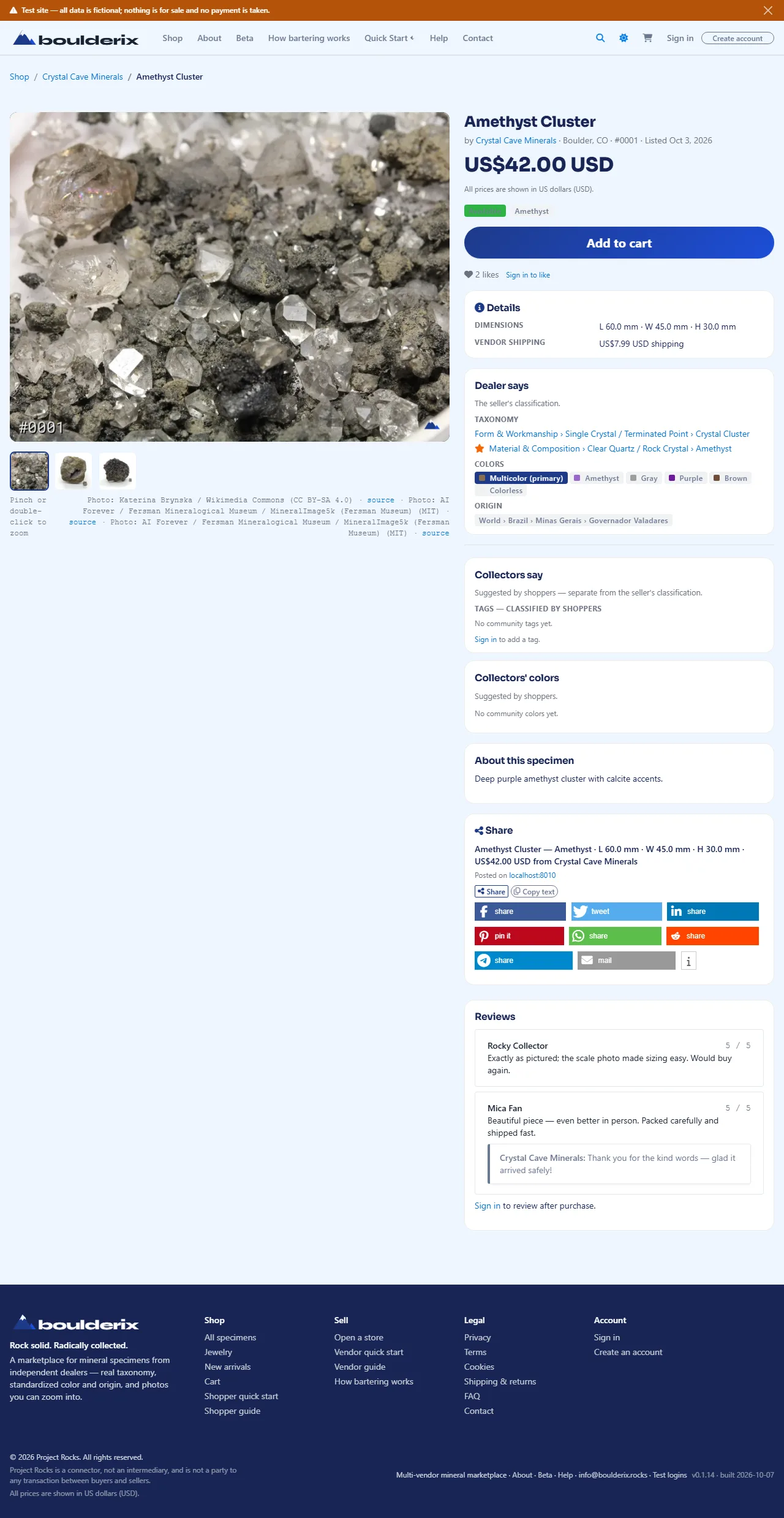
2. Inspect it
On the product page, pinch or double-click the photo to zoom, and check the store's classification, dimensions, price, and shipping. Read verified-buyer reviews before you decide.
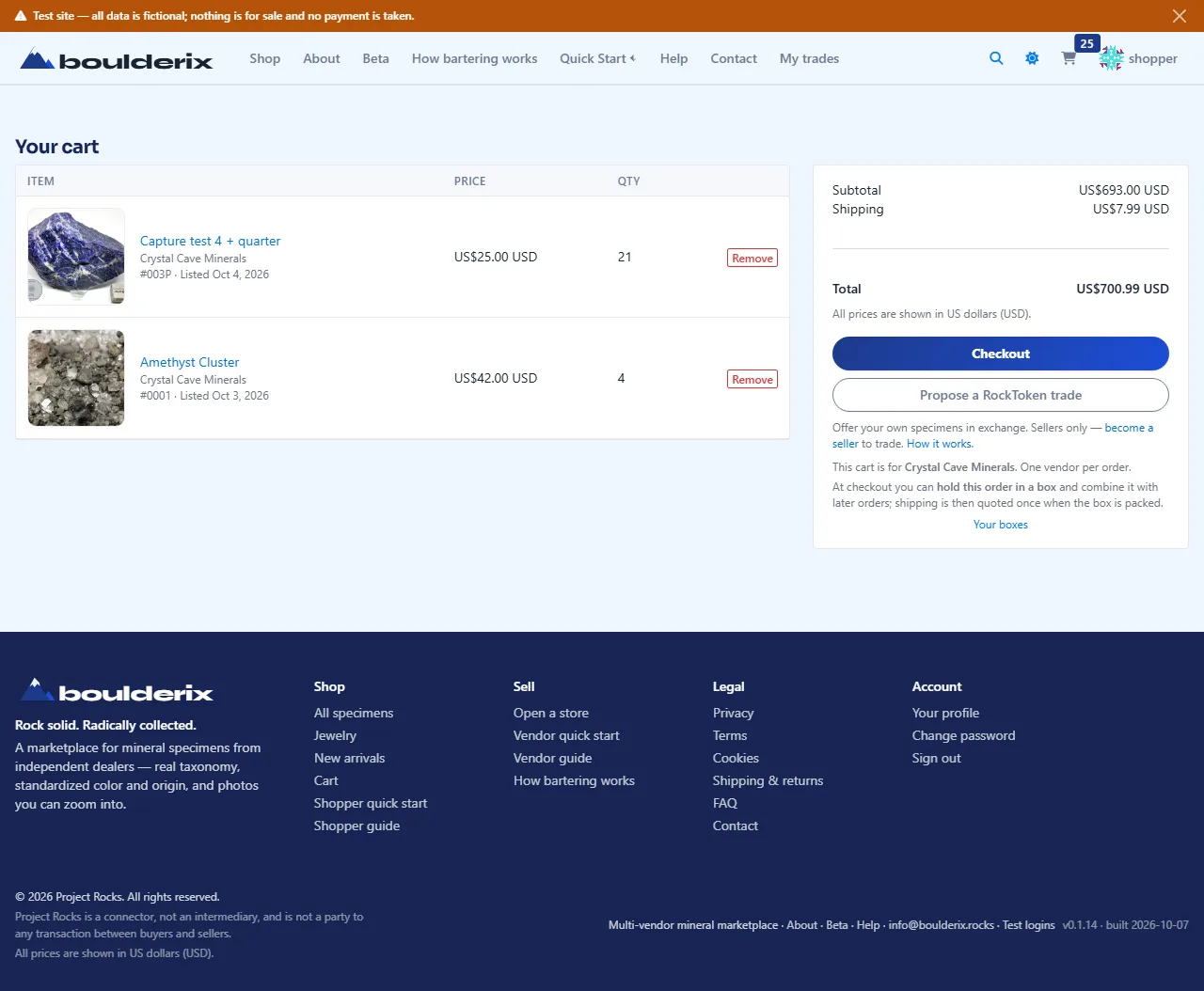
3. Add to cart
Use Add to cart at the top of the product page. Each cart holds items from one seller per cart. Signed-in members can keep multiple seller carts open in Your cart and check out each independently.
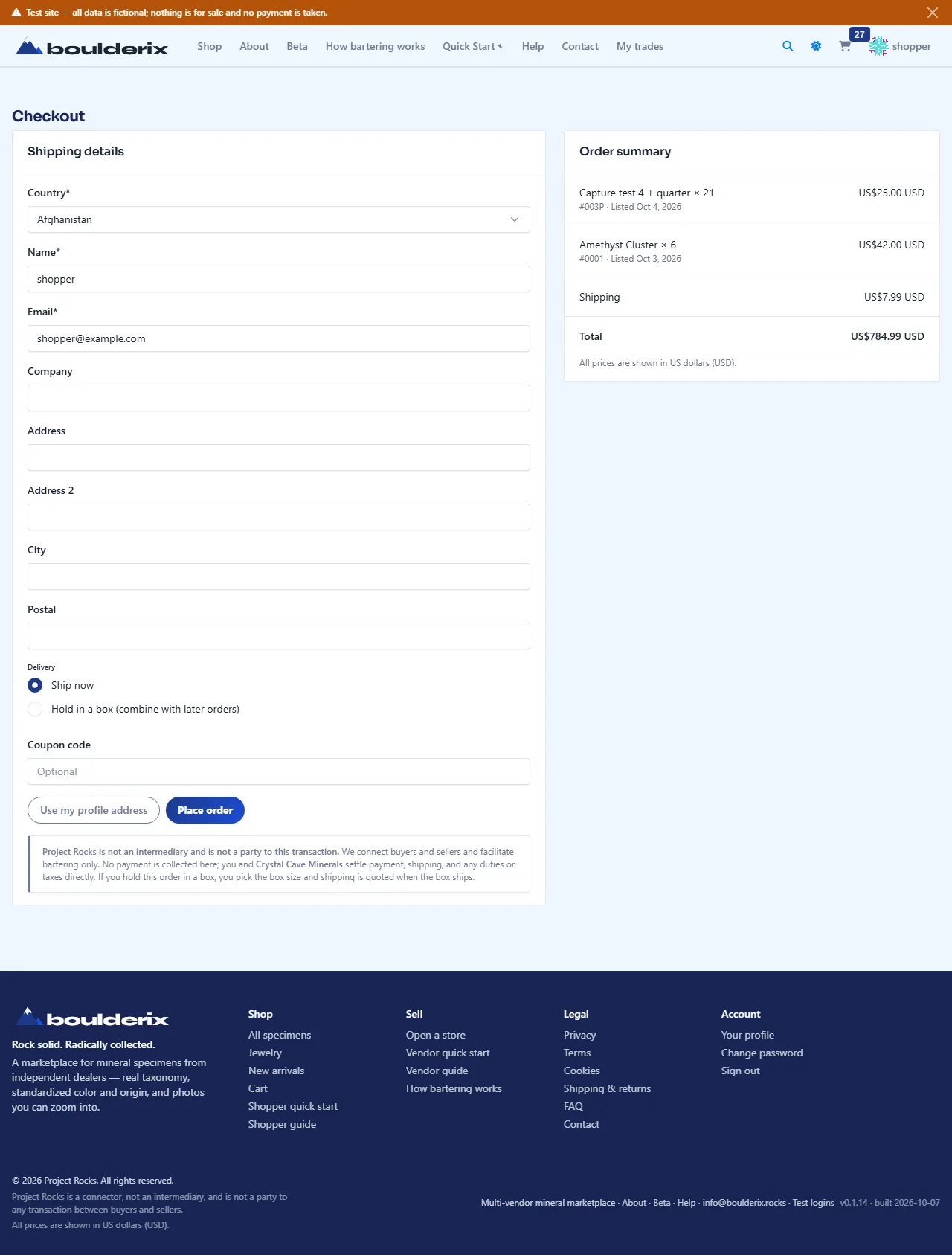
4. Check out
Open your cart and choose Checkout for the seller you want. Sign in and verify your email with the six-digit code, then enter shipping details and an optional coupon code. No payment is taken on this site — finishing records the order and emails it, and the vendor contacts you to arrange payment and delivery.
5. After you order
You get a confirmation email with direct links to what you ordered, and the vendor moves the order from
New to Contacted to Fulfilled (with tracking information). You can message the vendor directly on your order detail page with complete chronological audit tracking.
Have specimens to trade? See How bartering works. For shipping guidance, check the Shipping calculator for advisory reference estimates.
This is a fictional demonstration site — every store, specimen, price, order, and review is synthetic and nothing is for sale.