Vendor quick start
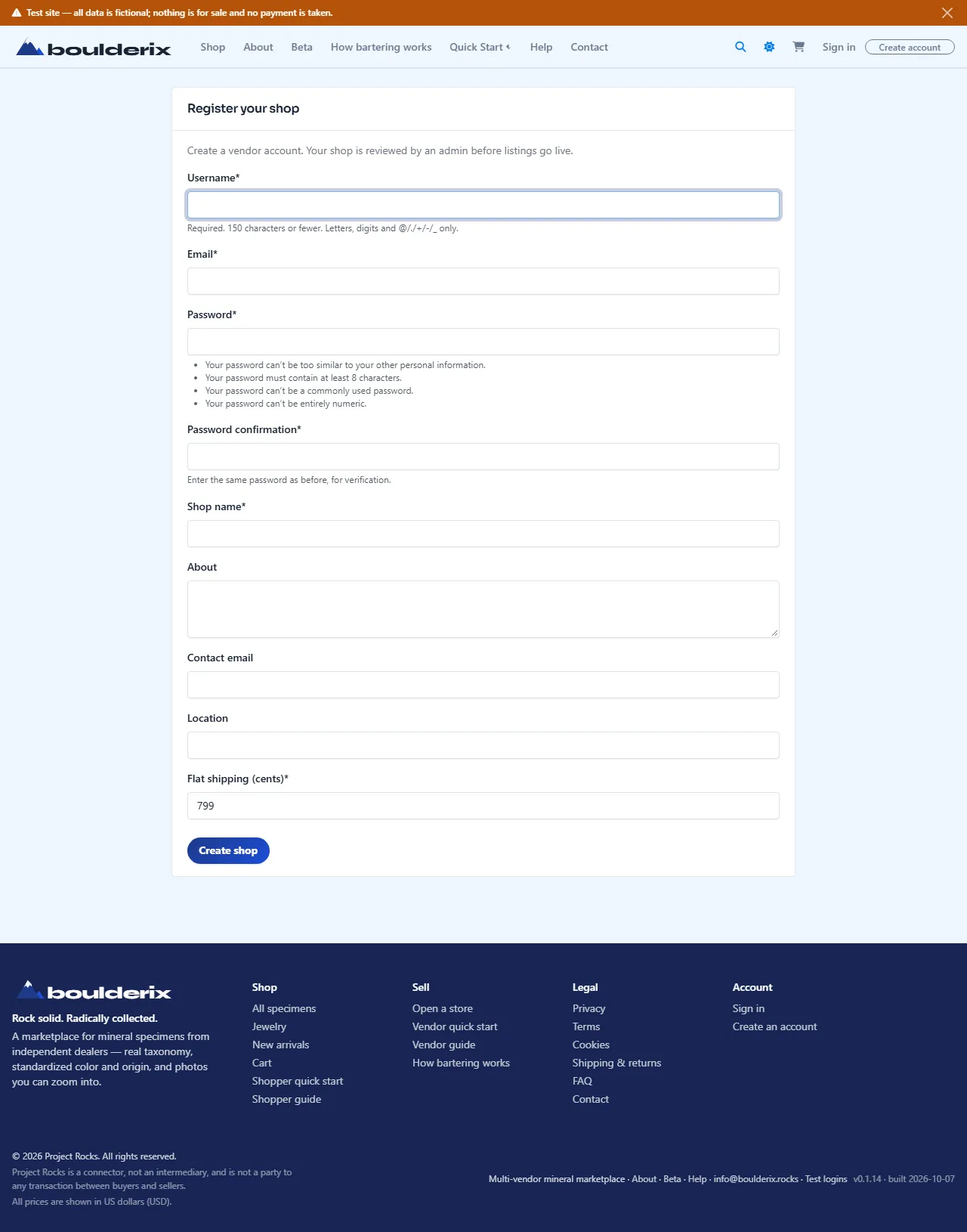
1. Open your store
Create an account with a username, login email, password, and display name. One identity covers collecting, selling, and exchanging; a separate store account is not required for Capture.
- Enter the six-digit code emailed to you. Until verification you can browse as a guest.
- Open Your profile for public details and links.
- Open Capture to add your first specimen. Existing members do not need to create a second store account.
2. Capture your first specimen
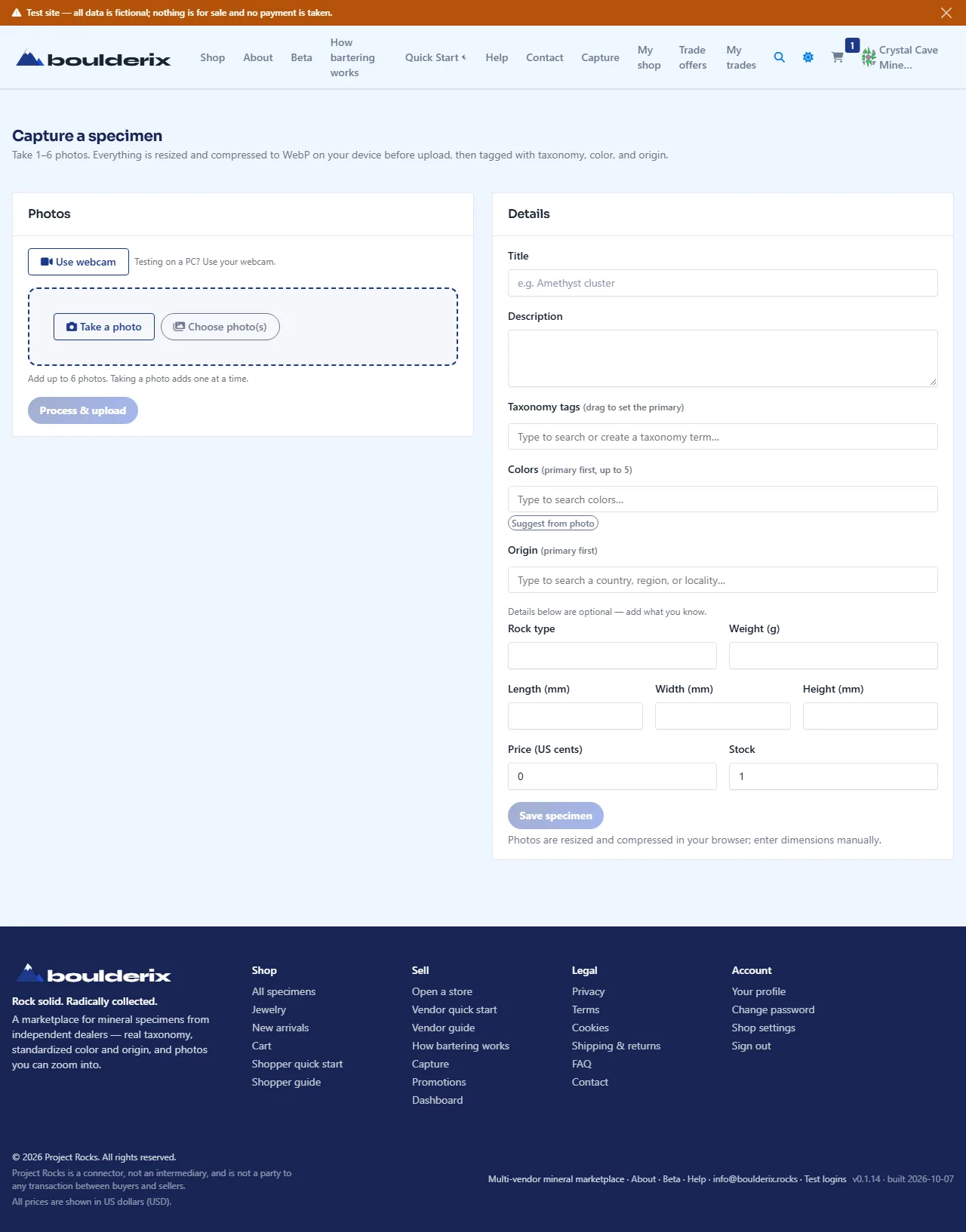
Open Capture on your phone. Photos are resized and compressed on the device, so uploads are quick; enter dimensions yourself.
- Use Take a photo, Choose photo(s), or Use webcam for 1–6 photos, then Process & upload.
- Review details reused from your last created specimen. Load last capture reloads them; Reset clears details/tags while keeping current photos.
- Choose Showcase for display, Sale to sell, or Exchange to trade. Check title, price or optional trade value, stock, and measurements, then save.
3. Set profile, banner & look
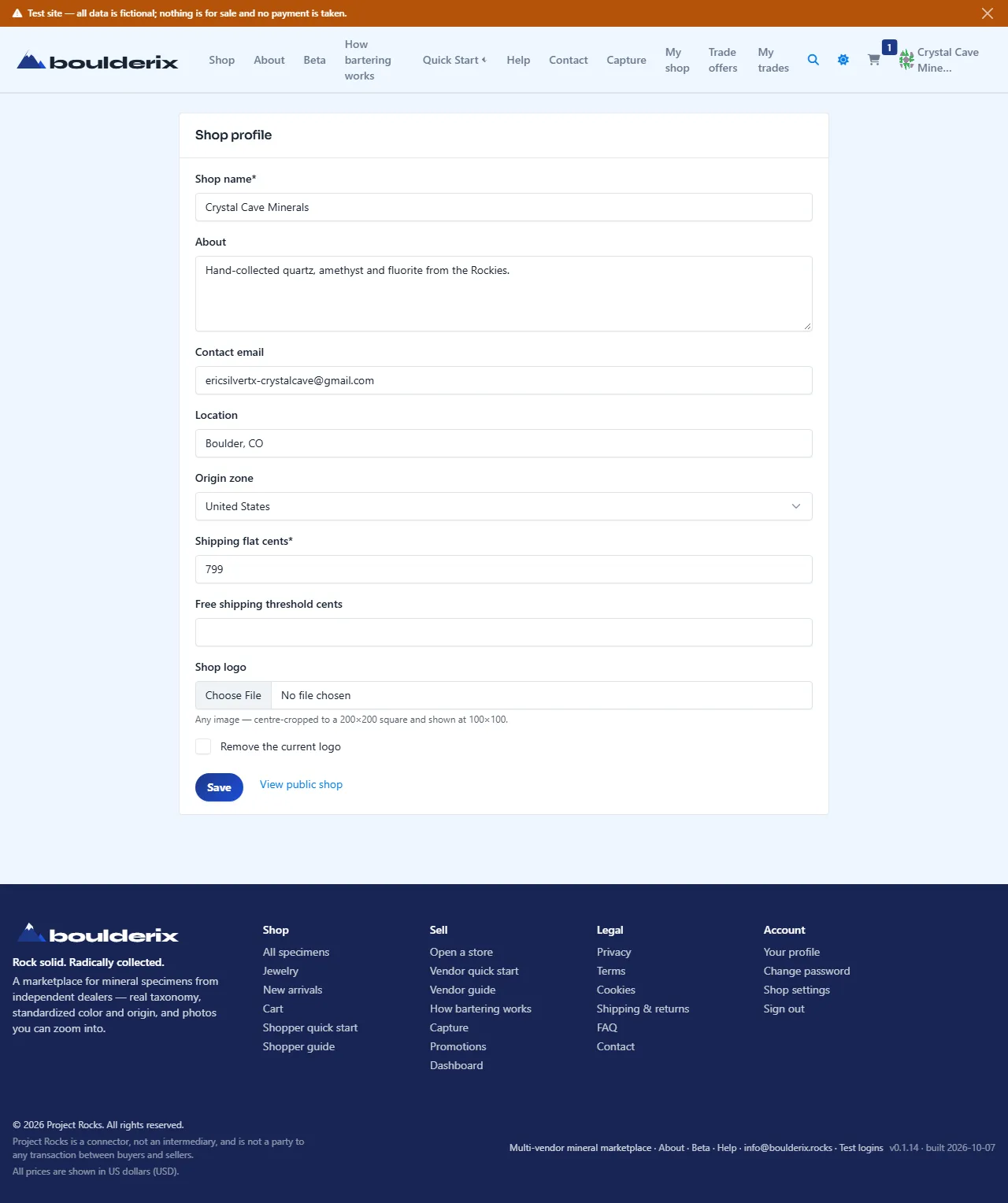
Add your logo, custom Facebook Page cover banner (820×312 px), location from the place hierarchy, public email, and external links in Your profile. Shipping costs are agreed offline directly with buyers; check the Shipping calculator for advisory reference estimates.
4. Share your storefront
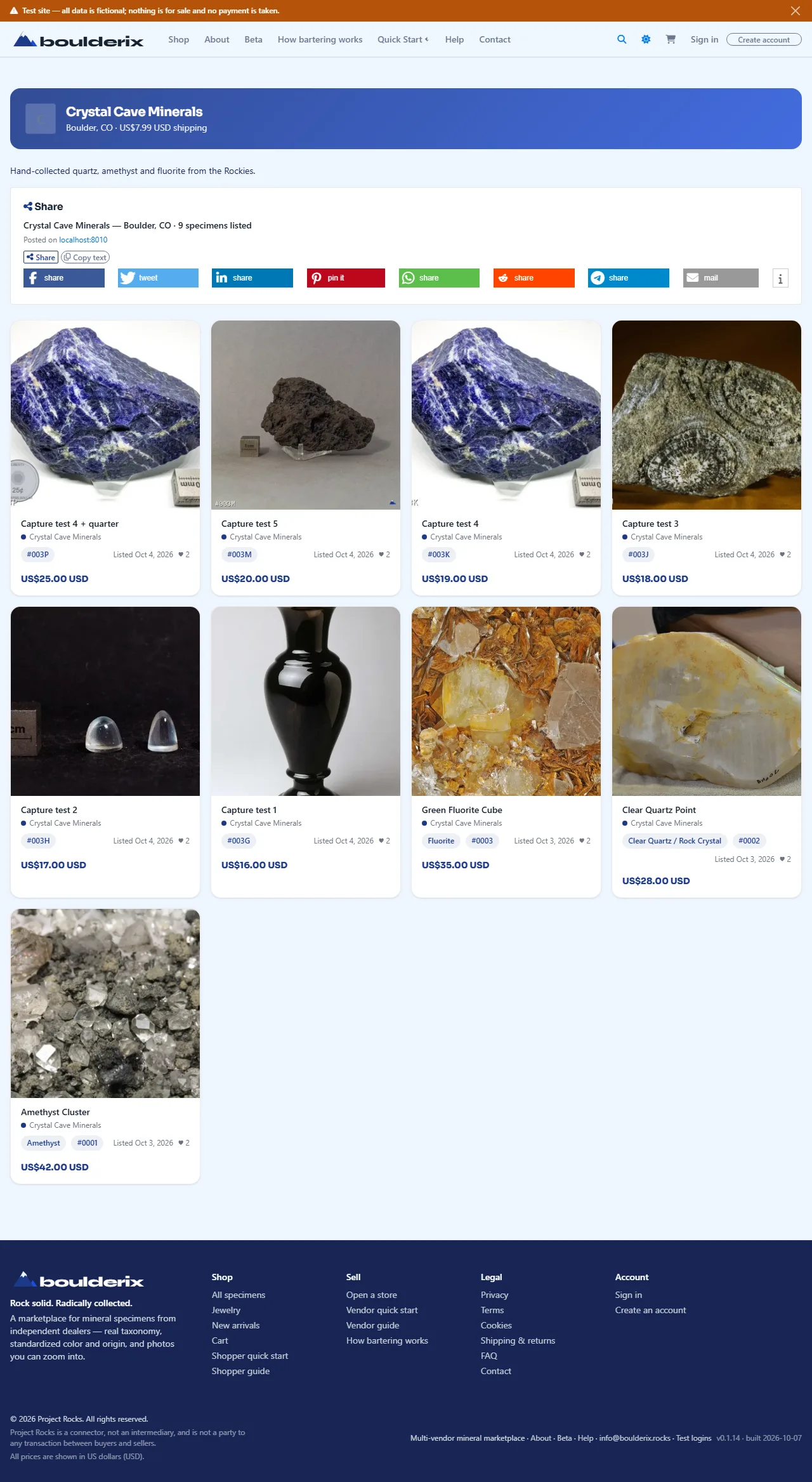
Your collection and store share /members/<username>/, with
Overview, Specimens, Swap boxes, Auctions, and About & links tabs. Guests
can view them all. Each specimen has its own shareable link. Track orders and likes from
your dashboard.
5. Post a specimen to social
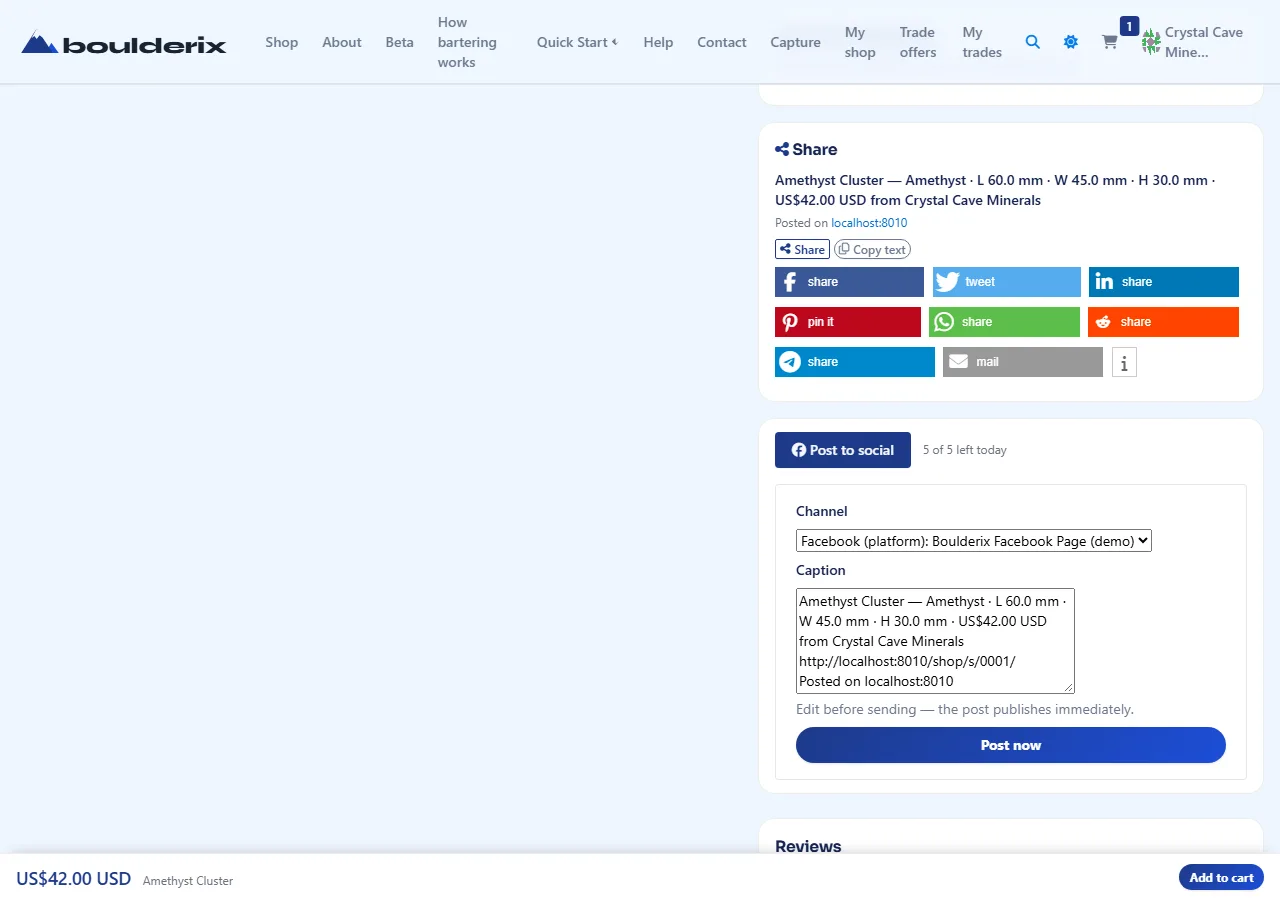
On one of your specimen pages, expand Post to social to publish it to the platform's connected Facebook Page. Pick a channel, edit the prefilled caption, and choose Post now — it goes out immediately and counts against a small daily allowance. You never sign in to Facebook here, and the marketplace stores no social token.
This is a fictional demonstration site — every store, specimen, price, order, and review is synthetic and nothing is for sale.